Landing Page Templates for Shopify: How to Choose the Best Without Sacrificing Performance

Written By: Ricardo Perez
 Published: January 21, 2026
Last Updated: 21/01/2026
 Reading Time: 4 min read
Want to stay in the loop?
Subscribe to receive updates, insights, and special offers straight to your inbox.
When you are looking for landing page templates for Shopify, the options seem endless. From the official theme store to third-party builders and CSS-heavy marketplaces, the "perfect look" is just a click away. However, after years of working directly with Shopify stores, I’ve learned that a pretty template is often a Trojan horse for slow load times and inconsistent branding.
In this guide, we’ll move beyond just "aesthetic" and look at what makes a template actually sell.
Native Themes vs. Page Builders: The Reality Behind Load Speed
In my work with various Shopify stores, I’ve experimented with almost everything: native Liquid themes and popular page builders like PageFly, Shogun, and GemPages. Each has its place, but there is a trade-off many developers don’t tell you about.
For quick experiments or launching a client MVP, page builders are incredibly convenient. But long-term, I’ve consistently seen better results sticking close to a well-built Shopify theme and extending it carefully.
The Impact of JavaScript Overload on Mobile Conversions
The biggest problem I’ve faced when creating landing pages in Shopify is performance. Many third-party page builders add significant JavaScript overhead and DOM complexity. This isn't just a technical metric; it’s a "mobile killer." When a page takes an extra three seconds to render because of a heavy builder, your conversion rate doesn't just dip—it dives.
The Inconsistency Trap: Why Your Landing Page Must Feel "Native"
Another common issue I see is design inconsistency. There is a psychological friction that happens when a user clicks an ad, lands on a beautiful page, and then moves to the checkout—only to find that the typography, spacing, or button styles don't match. Users notice when a landing page doesn't feel native to the rest of the store. In my experience, when the design language breaks, trust breaks, and conversion drops.
The Indispensable Elements of a Converting Template
If you are browsing for landing page templates for Shopify, don't get distracted by fancy parallax effects. Based on my testing, the single most indispensable element for a converting template is clarity.
Clarity Over Aesthetics: The Value of Visual Hierarchy
The best templates don't try to do everything. They solve one problem very well. In my case, I always look for a clear value proposition above the fold. If a user has to scroll to understand what you are selling, the template has failed. A strong visual hierarchy guides the eye toward the "Buy" button without distractions.
Predictable UX Patterns vs. "Fancy" Animations
I’ve learned the hard way that fancy animations don’t sell—confidence does. While a template with moving parts might look "premium" in a demo, it often confuses the customer. Predictable UX patterns (where users expect to find a price, a testimonial, or a CTA) are far more effective. Fast load times and readable sections matter far more than design tricks.
Top Options for Shopify Templates and Tools in 2026
Section-Ready Templates (OS 2.0)
With the arrival of Online Store 2.0, Shopify made "sections everywhere" a reality. I highly recommend looking for templates that are built natively for OS 2.0. These allow you to drag and drop sections without the bloat of a third-party app. They stay fast, keep your code clean, and ensure your brand stays consistent.
When to Use Replo, PageFly, or Shogun (And When Not To)
- Use them if: You need to test a radical layout for 48 hours or you have zero access to a developer and need a complex grid fast.
- Avoid them if: You are scaling a high-traffic product where every millisecond of load time equals thousands of dollars. When I want a page to scale, I build it within the theme's native architecture.
Quick Audit: Check This Before Launching Your Template
Before you commit to a landing page design, ask yourself these three things:
- Does it pass the "Blur Test"? If you blur your eyes, is the Call to Action still the most obvious thing on the page?
- Is it "Mobile-First" or "Mobile-Also"? Check the DOM size. If it's too complex, your mobile users will bounce before the hero image loads.
- Is the message doing the heavy lifting? A good template should be a quiet stage for your product and copy, not the main character.
Conclusion: Less is More in the Shopify Ecosystem
The "perfect" landing page template for Shopify is the one that stays out of the way. Focus on speed, brand consistency, and clarity. Let the product and the message do the heavy lifting—that is what actually converts.
FAQs
1. Do Shopify landing page templates affect SEO? Yes. Templates with excessive code (bloated DOM) can slow down your site, negatively impacting your Core Web Vitals and search rankings.
2. Can I build a landing page without a third-party app? Absolutely. Using Shopify’s native Online Store 2.0 features, you can create high-converting pages using your theme's built-in sections, which is often better for performance.
3. What is the most important section on a Shopify landing page? The "Above the Fold" area. It must contain a clear headline, a sub-headline explaining the benefit, and a visible CTA button.
Latest Articles
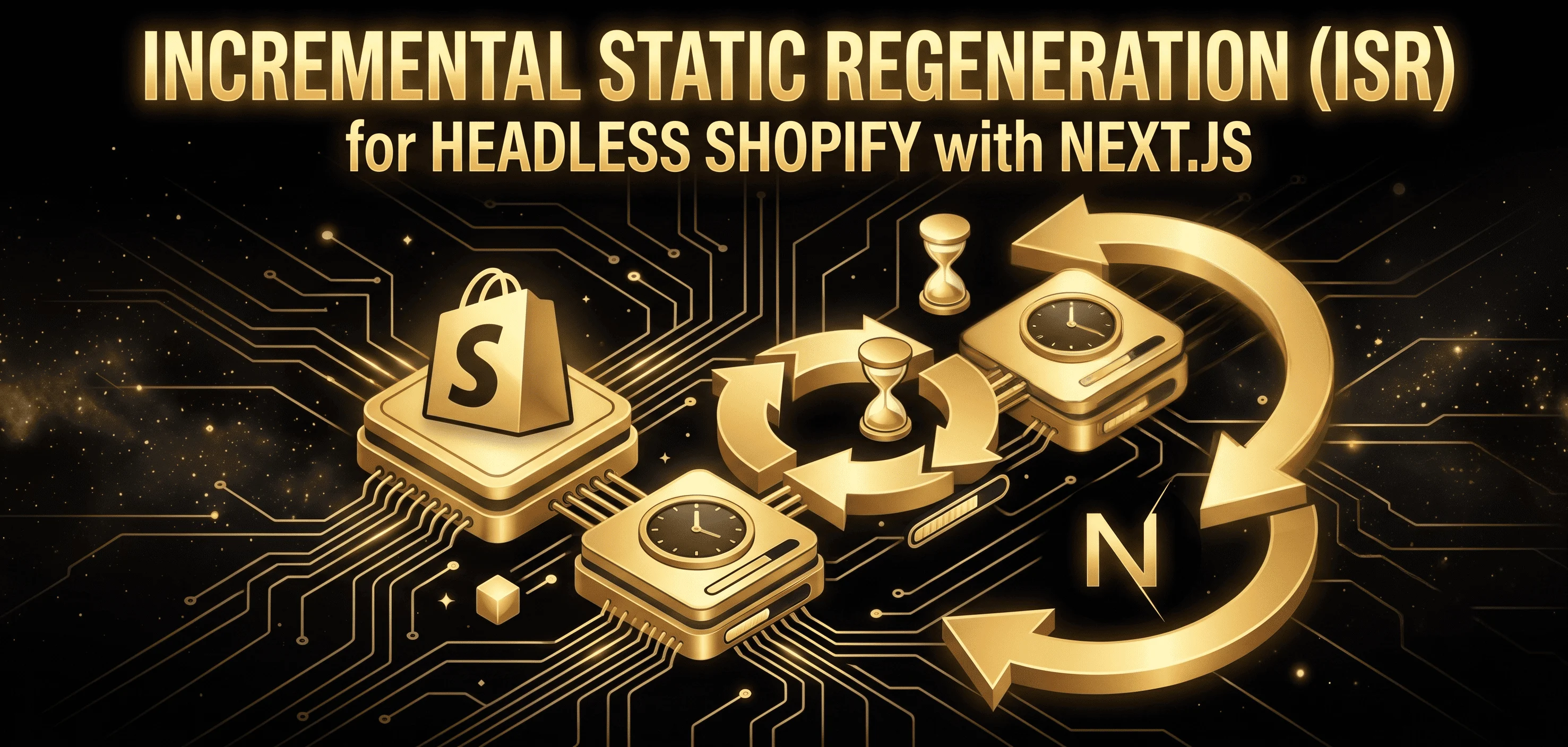
Incremental Static Regeneration (ISR) for Headless Shopify with Next.js